
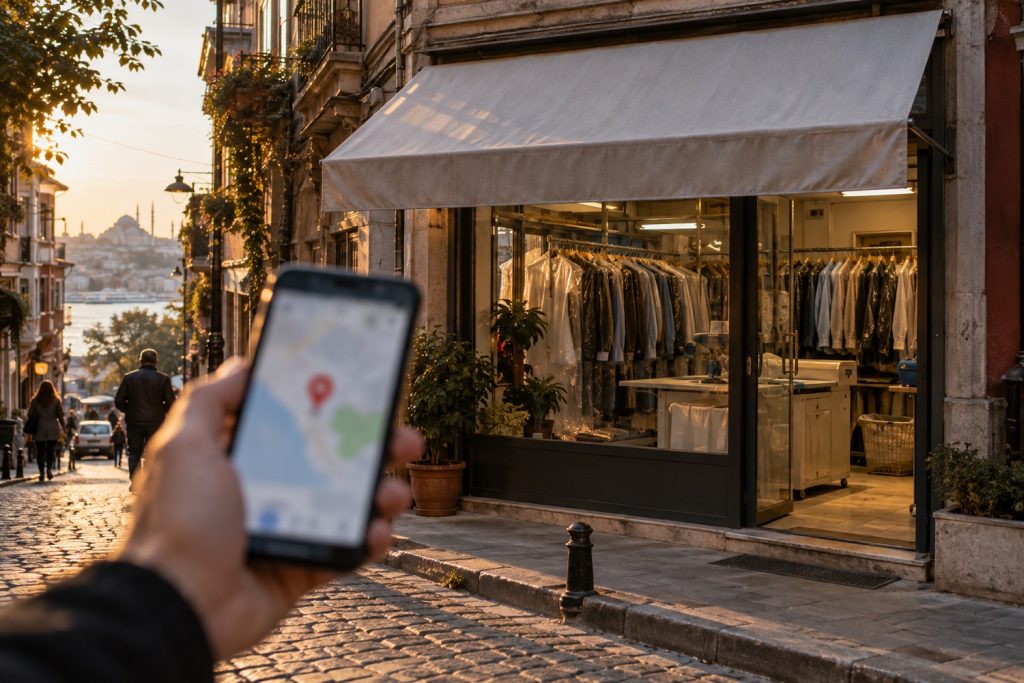
When someone types “dry cleaner near me”, “dental clinic in Kadıköy” or “hairdresser open now” into their phone, Google first shows a map and three businesses. The business in that top three gets the call, the directions request and the customer. The ones below are often never seen at all.
What decides that list is your Google Business Profile (formerly Google My Business). In this guide we explain step by step how to set up a profile, how to climb to the top of the map, and how to deal with the most frustrating problem of all: a suspended profile.
Short answer: A Google Business Profile is your business’s free listing in Google Search and Maps. To create one, first check whether a listing already exists and claim it, write the name exactly as on your sign, choose the right primary category and verify with a video. Local ranking depends on relevance, distance and prominence: complete the profile fully, collect reviews regularly and reply to all of them. If the profile is suspended, fix the cause first, then appeal once with documents; do not create a new profile.
What is a Google Business Profile?
A Google Business Profile is the free listing for your business that appears on Google Search and Google Maps. It holds your address, phone number, opening hours, photos, reviews, website and directions. For any business serving local customers, it is the first digital shop window, coming even before the website.
The profile is free, and in Google’s own words, there is no way to pay Google for a higher local ranking. You can advertise on the map, but ads have their own space; you cannot buy your organic ranking.
How to create a Google Business Profile
- First, check whether one already exists. Search for your business name on Google Maps. Your customers or Google may already have created a listing for you. If so, claim that listing instead of creating a new profile. Creating a second profile for the same business is one of the most common reasons for suspension.
- Start with a business account. Use a Google account that belongs to the business rather than a personal Gmail address, so the profile does not leave with an employee.
- Write the name exactly as it appears on your sign. “Yıldız Dry Cleaning” is right; “Yıldız Dry Cleaning Cheapest Carpet Washing Eyüp” is wrong. Adding keywords to the name may seem to work in the short term, but it is a reason for suspension.
- Choose the right primary category. The primary category is one of the fields that affects ranking the most. “Dental clinic”, “Dentist” or “Orthodontist”? Choose by looking at which one your competitors use, then add secondary categories later.
- Address or service area. If customers come to you, enter your address. If you go to the customer (a plumber or a cleaning company, for example), hide your address and select the areas you serve.
- Phone, website and hours. These details must match your website and other platforms exactly.
- Verification. Today Google asks most businesses for video verification. In some cases phone, email or postcard options may also appear.
What to watch for in video verification
The verification video is recorded on your phone through the profile app, in one continuous take. Edited or stitched videos are not accepted. The video should show:
- Location: A street sign, the building number or a recognisable landmark nearby.
- The business: Permanent signage, the entrance, the interior, products or equipment.
- Your authority: An action that shows the business is yours, such as opening the cash register, unlocking the door with a key or showing your business licence.

How to rank higher on Google Maps
Google says it determines local ranking based on three main factors:
| Factor | What it means | What you can do |
|---|---|---|
| Relevance | How well your profile matches what is being searched for | Correct categories, a complete list of services, a description, products |
| Distance | How close you are to the person searching | Enter your address correctly. You cannot change the distance, but a wrong pin can make you look farther away |
| Prominence | How well known your business is | Number of reviews and rating, links to your website, mentions of your name on other sites |
Turning these three factors into a practical checklist:
- Fill in your profile 100 percent. Description, all services, attributes (wheelchair access, parking, card payments), opening date, special holiday hours.
- Upload real photos. Exterior, interior, team, products. Real shots taken on a phone work better than stock photos. Adding a few new photos each month keeps the profile active.
- Get reviews regularly and reply to every review. Google directly recommends replying to reviews. The number of reviews and your rating are the most visible part of the “prominence” factor. Our detailed guide to bad reviews: How to remove a Google review.
- Keep your name, address and phone number the same everywhere. Your website, Instagram, Yandex, Apple Maps, industry directories. Inconsistent information lowers Google’s trust.
- Have a local page on your website. A page with the neighbourhood you serve, your address and a map strengthens the profile’s “relevance” signal.
- Publish posts. Promotions, new products, events. Their direct effect on ranking is debated, but they help convince customers who look at your profile.
When the pin is right but directions are wrong
For one of our dry-cleaning clients, the pin on the map was in exactly the right place, but “Directions” was sending customers to a different street. The problem was not the pin but the main address line: Google was drawing the route from the address text, not the pin. Once we corrected the address line with the official street name and number, the route started working properly. If you are getting complaints about directions, check the address line first.
Why do Google Business Profiles get suspended?
Logging in and seeing a “suspended” warning means a serious loss of revenue, especially for businesses that get most of their calls from the map. The most common reasons:
- Adding keywords to the name (“Ahmet Usta Boiler Service 24/7 Cheap”).
- Using a virtual office, shared office or PO box address.
- Showing an address for a business that travels to customers, or presenting a home address as a business premises.
- Creating more than one profile for the same business.
- Making too many edits in a short time (such as changing the name, address and category on the same day).
- Getting fake reviews or offering rewards in exchange for reviews.
- Restricted industries: In sectors with high levels of fraud, such as locksmiths, plumbing and towing, Google reviews profiles much more strictly.
How to reinstate a suspended profile
- First, find the cause and fix it. Before you appeal, make sure the profile complies with Google’s guidelines. Remove the extra words from the name, correct the address, close duplicate profiles. An appeal filed while the profile still breaks the rules will be rejected.
- Prepare your documents. Documents Google accepts include your tax registration certificate, trade registry record, business licence, and an electricity, water, internet or phone bill in the business’s name. The name and address on the document must match the profile exactly.
- Photograph your signage. Have photos ready that clearly show the permanent sign, the building number and the entrance.
- Apply through Google’s appeals tool. The tool shows the date of the decision, the reason and whether it can be appealed. Attach your documents and write a short, clear explanation.
- Wait for the result. Google notifies you of its decision by email. In the tool, the status appears as “Submitted”, “Approved”, “Not approved” or “Not eligible for appeal”.
Three important rules to know: you can appeal only once for each decision. If it is rejected, you can request an additional review with new evidence you did not send the first time. And do not create a new profile to replace the suspended one; it does not solve the problem and can make it permanent.
When the profile is reinstated, your reviews and information come back, but it may take some time to return to your previous ranking.
Frequently asked questions
Is a Google Business Profile paid?
No, it is completely free. You can run paid ads on the map, but you cannot buy organic ranking.
Can someone who works from home create a profile?
Yes. If customers do not come to your home, you can create a profile by hiding the address and selecting a “service area”.
I have moved. How do I change the address?
Update the address in your profile. Google may ask you to verify again. Do not create a new profile for the new address; continue with the same profile.
My profile is verified but I do not appear on the map. Why?
Usually because of a category mismatch, missing information or stronger competitors in the area. If you appear when people search for your business name but not when they search for your service, the problem lies in “relevance” and “prominence”.
In summary
A Google Business Profile is the cheapest and most effective source of customers for a local business. Set it up correctly, fill it in completely, reply to every review, and stay within Google’s guidelines on your name and address. If you are suspended, do not panic: fix the cause first, then appeal once, properly, with documents.
If you would like to review your profile together, reinstate a suspended profile or get ahead of your competitors on the map, get in touch. We also handle local visibility work as part of our digital marketing services.
Official source: Google Business Profile: how local ranking works. Information checked on 16 October 2026.