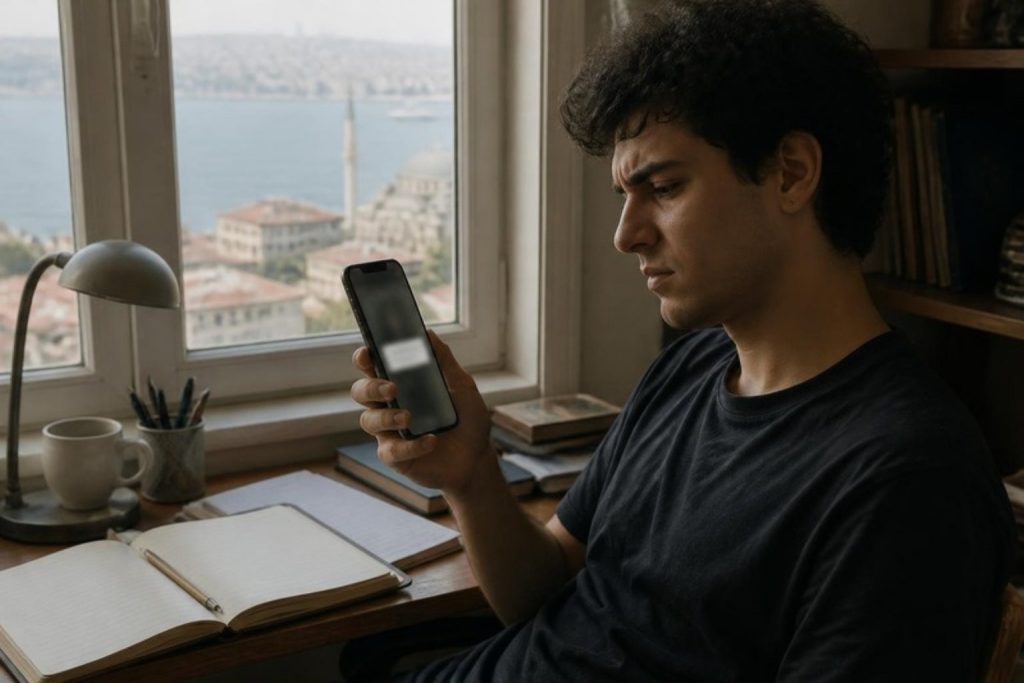

On Google Maps, your business’s red pin sits exactly in the right place, but when a customer taps “Directions”, navigation takes them to the other end of the street, to the back entrance or to a completely different building. Couriers call, customers turn back saying “we couldn’t find you”. Dozens of businesses have asked this question in the Google Business Profile community, and most never got a clear answer.
In this article we explain why wrong directions happen, how we fixed it for one of our own clients and what you should check, step by step.
Short answer: If the pin is in the right place but directions are wrong, the problem is usually how the address is written: Google may draw the route from the written address, not the pin. Put only the street and building number on the first address line and the block or unit on the second. Then test by requesting directions from your business listing and from the written address separately. If it is still wrong, suggest an edit in Google Maps. Keep in mind that changing the address may require re-verification.
Why are directions wrong when the pin is right?
Most business owners think that correcting the position of the pin on the map will solve the problem. But directions do not always lead to the pin. Google uses several different pieces of information to decide the destination:
- The business pin: The location you set in your profile.
- The location of the address itself: Where Google places the address you entered on the map. This can be a different spot from the pin.
- Entrance and arrival point: For large buildings and residential complexes, Google also stores entrance information and the point where a car should approach. Navigation “snaps” the destination to the road closest to the building, and that road is not always the one with the entrance.
As a result, even if the pin is correct, the route goes somewhere else if the address has been misinterpreted or the nearest road is on the wrong side. In particular, customers who get directions by typing the address instead of using the business listing, and “directions” links on your website (if they send the address as text), are sent to this wrong point.
A real example: the problem was in the address line
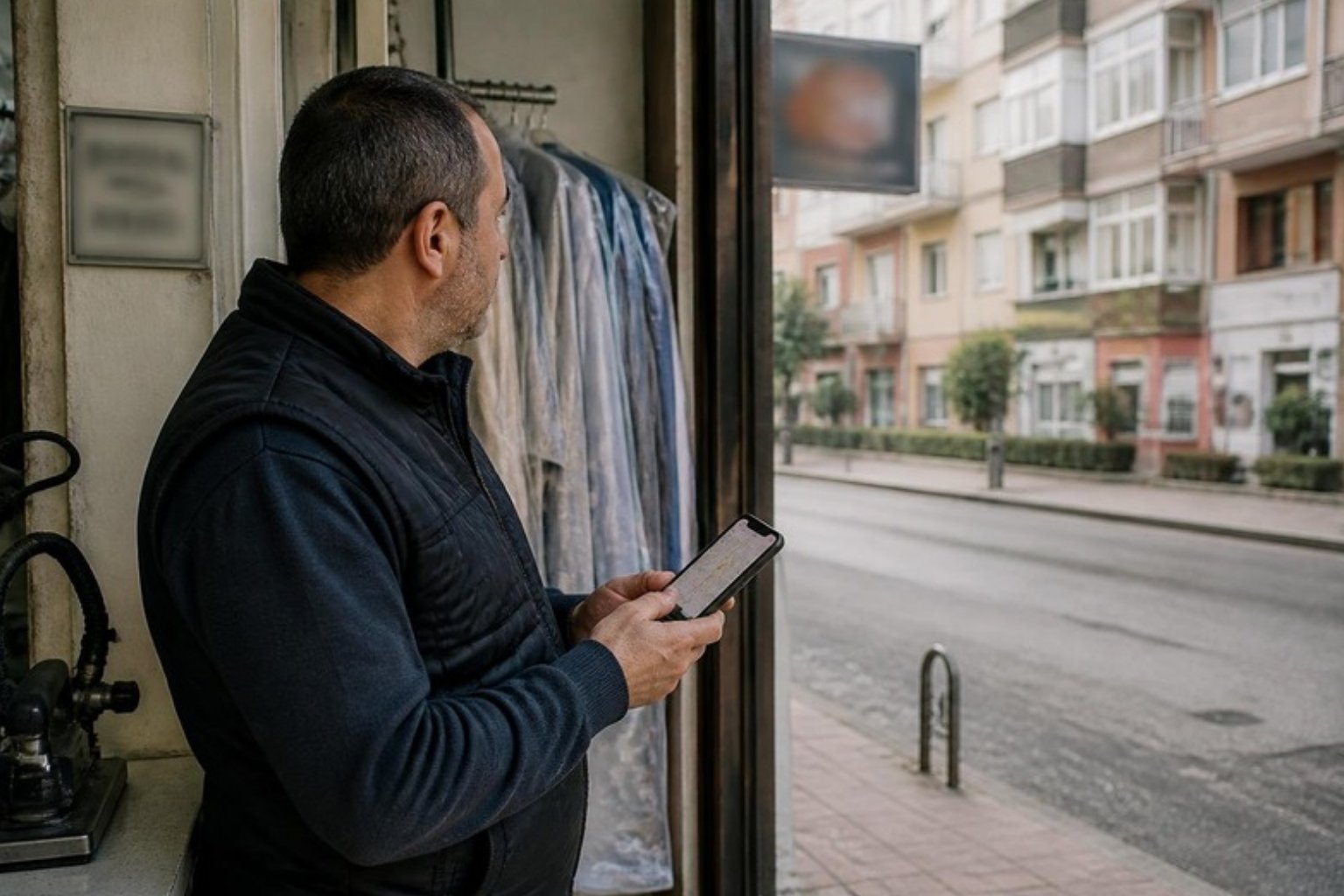
This is exactly what happened to one of our clients, a dry cleaner in Göktürk, a district of Istanbul. The pin on the map was right on top of the shop, but everyone who got directions from Google Maps was dropped off about a kilometer away, at the start of the main street.
We first tried repositioning the pin; it did not help. Then we tested the problem step by step:
- From the same starting point, we got directions both to the business listing and to the shop’s coordinates. The route to the coordinates was correct; the route to the business listing was wrong.
- We searched for the address on its own in Maps. Google placed the address at the start of the street.
- We looked at how the addresses of other businesses in the same building were written.
What we found: the main address line contained only the neighborhood name; the street, building and number were on the second line. When Google could not find a street and number in the main line, it put the destination at the start of the long street.
The fix: we put the street name and building number in the main line, and the complex, block and unit details in the second line. The change was approved in about 10 minutes, and since that day directions have led to the front of the shop.
Step-by-step fix
1. Test the problem first
- Search for your business name in Maps and get directions from the business listing.
- Then search for your address alone and see where it lands on the map.
- Try the route from two or three different starting points (different neighborhoods, the main road, a car park).
- Click the directions link on your website and on your Instagram and check where it goes.
- Look at how other businesses in the same building or street format their addresses.
If the listing is correct but the typed address is wrong, the problem is the address. If both are wrong, the pin or the road information is incorrect.
2. Write the address in the right format
Google’s rule is simple: the physical address goes in the main address line, and the unit, floor or block goes in the second line. For addresses in Turkey, the layout below gives the best results in practice. Turkish addresses are built from a neighborhood (Mahalle, abbreviated Mah.), a street (Sokak or Cadde), a building number (No), and often a residential complex (Site), block (Blok) and unit (D, short for daire), followed by district (İlçe) and province (İl):
| Field | Correct example | Wrong example |
|---|---|---|
| Address line 1 | Lale Sokak No: 12 | Yeşilvadi Mahallesi |
| Address line 2 | Çınar Sitesi B Blok D: 4 | Ana Cadde, Çınar Sitesi B Blok No: 12 |
| Neighborhood (Mahalle) / District (İlçe) / Province (İl) | Yeşilvadi Mah., with the district and province in their own fields | All on one line |
Do not put keywords, phone numbers or website addresses in the address lines. Descriptions like “opposite the mall” should only be added if the street address alone cannot point to the location. If you do not know your building’s official address, check it with the address lookup on e-Devlet (Turkey’s government services portal) or in your lease agreement.
3. Edit the address and pin in your Business Profile
- Search for your business name on Google (while logged in with the account that manages the profile), or open the Business tab in the Maps app.
- Go to Edit profile → Location.
- Correct the address following the layout above.
- Next to Business location, use Edit → Adjust to move the map until the pin sits exactly over the entrance, then tap Done → Save.
When the address changes, Google sometimes moves the pin by itself. Before saving, check that the pin is still in the right place.
4. If the address or road on the map is wrong, suggest an edit
- If the address is in the wrong place: Search for the address in Maps → Suggest an edit → Wrong pin location or address → mark the correct spot and submit.
- If the road is missing or wrong on the map (a new complex, a newly opened street): On Android, use Contribute → Update road → Missing road to draw the road. This feature may not be available in every country.
- If a route step is wrong: On a computer, create the route → Details → Send feedback → Flag next to the wrong step → Send.
5. Wait for the change to be approved
According to Google, profile edits usually go live in about 10 minutes, but can take up to 30 days. In your profile you will see one of the statuses “Accepted”, “Pending” or “Not approved”; you can appeal an edit that was not approved. Road and address suggestions sent to the map can take longer.
Watch out: changing the address may require re-verification
Google says that if you move a verified business to a new address, you need to verify the profile again. Correcting how the address is written for the same location usually causes no problems, but some businesses have been asked for video verification after a correction. So:
- Change the address once, in the correct format; do not make many edits in a row.
- Do not change the business name, category and address at the same time.
- Be prepared in case verification is requested: your signage, the inside of the shop and a document belonging to the business (an invoice or tax certificate) should appear in the video. For details, see our Google Business Profile guide.
Other causes of wrong directions
- Large residential complexes, office towers and shopping malls: Where there are several entrances, car navigation drops people at the nearest road, which may be the back of the building. Put the pin over the door customers will use, and add a short sentence describing the entrance to your business description.
- Corner plots: For buildings facing two streets, the route goes to whichever street the address is on. If your entrance is on the other street, write the address according to the official building number and place the pin on the entrance.
- Duplicate profiles: If there is a second profile for the same business with an old address, customers may go to the wrong one. Google allows only one profile per location; have the extra one removed.
- Service-area businesses: If you go to your customers (a plumber, a cleaning company), you need to hide your address; in that case directions are not shown anyway.
- Other map apps: Corrections must be made separately for Apple Maps through Apple Business Connect, and for Yandex Maps with the option to correct the location of the organization and its entrances. A fix on Google is not reflected in them.
Frequently asked questions
Google Maps gives wrong directions to my business. I fixed the pin but nothing changed. Why?
Directions do not always go to the pin; the address’s location on Google and the nearest road also play a role. Make sure the main address line contains the street and building number, and search for the address on its own to see where it lands.
How long does it take for an address correction on Google Maps to be approved?
Business Profile edits usually go live within a few minutes to a few days, and at most within 30 days. Road suggestions sent to the map can take longer.
Will my Business Profile be suspended if I change the address?
Correcting how the address is written for the same location usually does not lead to a suspension. But moving to a new address requires re-verification, and making many major changes at once can trigger a review.
The directions button on my website goes to the wrong place. What should I do?
If the button sends the address as text, Google interprets that text on its own. Replace the link with your Business Profile’s Maps link (Share → Copy link), so customers go straight to the business listing.
In summary
If directions are wrong while the pin is right, the problem is usually how the address is written. Put the street and building number in the main line and the block and unit in the second line; then test by getting directions separately from the business listing and from the typed address. If needed, suggest an edit to the map and point the directions link on your website to the business listing.
If you would like to sort out your business’s visibility on Google and its map listing together, take a look at our digital marketing service or get in touch with us.
Official source: Google Maps: report wrong directions. Information checked on 16 October 2026.