Opening the app and seeing “We suspended your account” is a serious problem, especially for a business that finds its customers on Instagram. Orders, appointments and followers built up over years suddenly become unreachable. On top of that, reaching a human at Meta is close to impossible.
The good news: a large share of suspended accounts are restored after a proper appeal. The bad news: one wrong step (missing the appeal deadline, opening a new account right away, paying an “account recovery” person) can make the loss permanent. In this guide we explain what is happening, what to do first and how to file an appeal step by step.
Short answer: The old “Instagram appeal form” links no longer work. You appeal a suspension by logging in to the Instagram app with the suspended account and following the screen that appears. That screen shows how many days you have left to appeal; for most people today it is 180 days. If you don’t appeal within that time, the account is permanently disabled. A reply can take anything from a few hours to a few weeks.
Suspended, disabled, restricted: what is the difference?
There are three different situations on Instagram, and each has a different solution:
| Status | What you see | What to do |
|---|---|---|
| Restricted | You can log in, but some features (messages, comments, following, live video) are turned off for a while. | Go to Settings → Account Status → “Features you can’t use” and request a review, or wait for the restriction to end. |
| Suspended | When you log in you see a “We suspended your account” screen with the time left to appeal. Your profile is not visible to others. | Appeal with “Disagree with decision” before the deadline. |
| Permanently disabled | After an appeal is rejected or the deadline passes, the account is disabled and you cannot request another review. | There is no longer an official way to get the account back. |
If you deleted the account yourself and the deletion period has ended, Instagram states clearly that there is no way to recover it. This article is about suspended and disabled accounts.
If your account is still open but you cannot follow, like, comment or send messages, it is not a suspension but a temporary action block: how to fix the Instagram “action blocked” error.
Why does Instagram suspend accounts?
The reasons Meta itself gives:
- Repeated violations of the Community Guidelines. Each violation counts as a “strike”. As strikes add up, features are restricted first and then the account may be disabled.
- Severe violations that lead to removal on the first offense. For example impersonation (an account pretending to be another person or brand) or content related to child exploitation.
- Accounts created to get around a restriction. Accounts opened to replace a previously disabled account are disabled too.
- Age rules. Accounts of users under 13 and, in some countries, certain age groups under local law.
In practice, these are the triggers we see most often:
- A large number of follows, likes or messages in a short time (behaving like a bot)
- Buying followers, likes or views; giving your password to automation tools
- Previously disabled accounts on the same phone or the same internet connection
- Logging in through constantly changing VPN connections
- The account being hacked and used to post spam
- Business accounts sending bulk messages that break the rules
Then there are unfair removals. In summer 2025, thousands of users around the world reported that their accounts were disabled even though they had not broken any rules; a petition on the issue passed 60,000 signatures in 2026. Meta’s independent Oversight Board also criticized the lack of transparency in account removal processes in its June 2026 decision. So your account may genuinely have been disabled by mistake, and in that case you have a strong reason to appeal.
What to do first (and what not to do)
- Write down the deadline shown on the screen. The appeal deadline is shown on the screen. That is the date that applies to you.
- Make sure you can access the email address and phone number linked to the account. Verification codes are sent to both during the appeal.
- Appeal from a phone you have used to log in to this account before. A familiar device and connection help codes and verification go through smoothly. Turn off your VPN.
- Do not open a new account. A new account opened while the appeal is in progress can be treated as “getting around a restriction”. The new account gets disabled and your appeal is weakened.
- Do not pay anyone. Almost all people and pages that say “we will restore your account in 48 hours” are scams. Meta considers taking money for account recovery a violation of its own rules.
Step-by-step appeal: how to restore a suspended account
The “Instagram appeal form” links that used to circulate online no longer work; if you open them without logging in, they redirect to the Help Center home page. The official route is the app itself:
- Open the Instagram app and log in with the suspended account.
- On the screen that appears, tap “Disagree with decision” (on some screens it may say “Appeal”).
- Enter the code sent to the email address or phone number linked to the account.
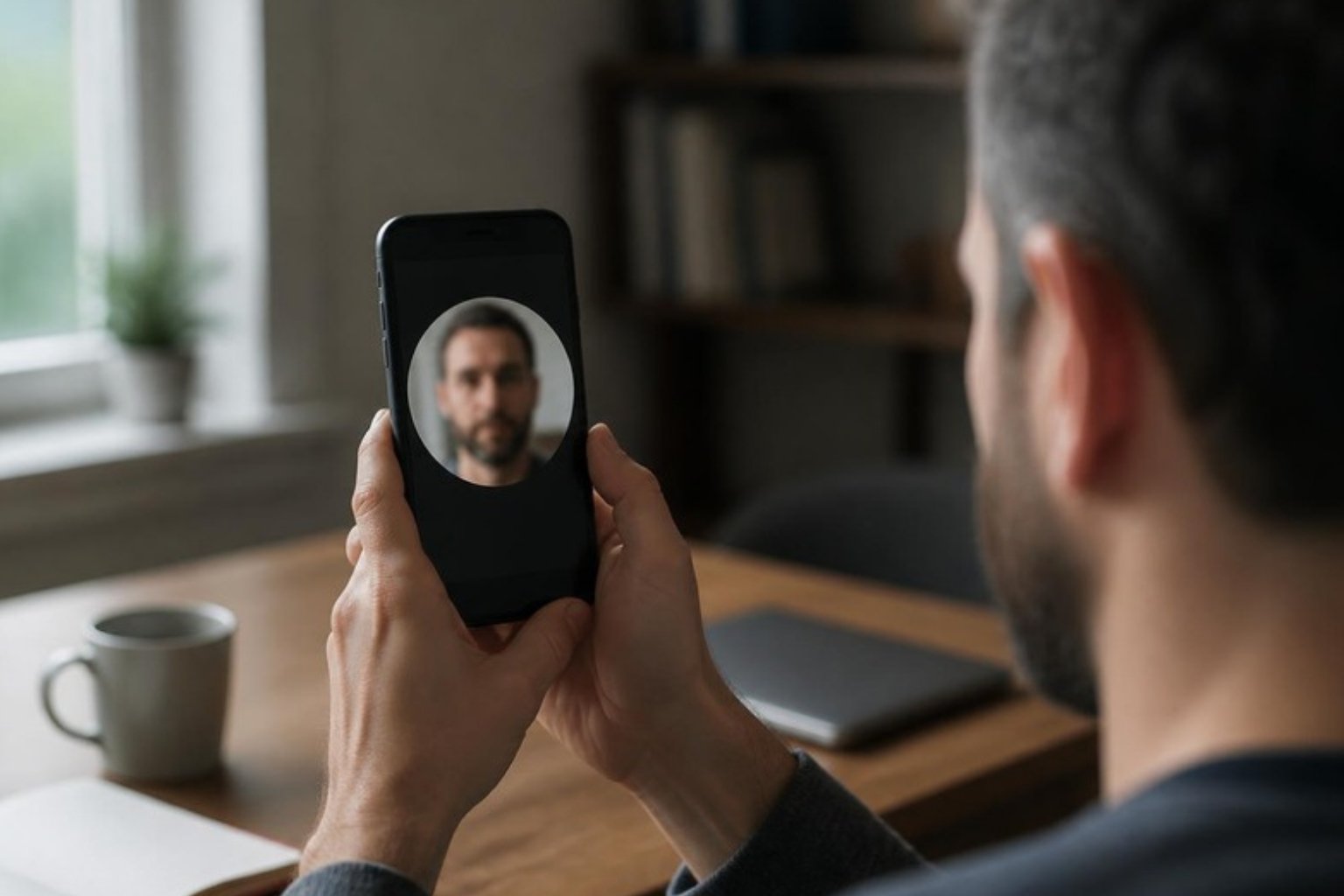
- If asked, record a video selfie. You hold the phone in front of your face and turn your head as instructed. Meta uses this to confirm that the account owner is a real person and matches the person on the profile.
- If asked, upload a photo of an ID document. If the name on your ID does not match the name on the account (common with brand accounts), briefly explain in the description field that the account belongs to your business.
- If there is a description field, write briefly and calmly: what the account is used for, which rule you believe you did not break, and why the account matters to your business. Long, angry texts do not help.
- Submit and wait. Do not send the same appeal over and over.
Is the appeal deadline 30 days or 180 days?
You may see either one. Meta’s business help page gives 30 days as the appeal period for suspended accounts. Meanwhile, many users in Turkey saw a message on their screen in 2026 saying they had 180 days to appeal. Whichever period applies to you is the one shown on your screen; if you miss that date, the account is permanently disabled. So do not wait: appeal on the first day.
How long does an appeal take?
Instagram does not give an official timeframe. In the cases we have seen, a response came anywhere from a few hours to a few weeks later; some users say they never received a response at all. The result usually arrives as a notification or email, and you will also see it when you log in to the app again.
If the verification code does not arrive or the appeal screen will not open
- Check the spam and “Promotions” folders in your email.
- Update the app and, if possible, try from the phone previously used with the account, on mobile data instead of Wi-Fi.
- Do not request codes repeatedly. Too many requests can temporarily stop new codes from being sent; wait a few hours and try again.
- If you want to check whether an email really came from Meta, you can see the emails Meta has sent under Accounts Center → Password and security → Recent emails using another account.
- Since March 2026, Meta has offered an AI-powered support assistant in the Help Center. Depending on your region, you can also follow your appeal options and the outcome there.
We cover every reason a code may not arrive (SMS, email, WhatsApp, two-factor authentication and backup codes) in a separate guide: Instagram not sending code: how to fix it.
If your business account has been suspended
If your Instagram account is connected to a Meta business portfolio (if you run ads, it most likely is), there is also an appeal route on the business side in addition to the app:
- On a computer, open Business Support Home (facebook.com/business-support-home).
- In the Account overview section, select the restricted Instagram account.
- Under “What you can do”, follow the options to verify your identity, secure the account or request a review. Only admins of the business portfolio can request a review.
One point to know: when an Instagram account is disabled, ads running through that account stop too. Your ad budget is not wasted, but campaigns are interrupted. Until the account is restored, running ads through your Facebook Page can be a temporary solution.
“My new account gets suspended right away”
This is one of the most common complaints on forums: an account is created, then suspended a few minutes or days later, and every new account is disabled the same way. Meta does not explain why, but two things are known: accounts opened to replace a previously disabled account are against the rules, and the system infers this from signals such as the device, phone number, email address and connection.
If you are genuinely opening a new account that follows the rules, these steps reduce the risk:
- Use a phone number and email address that belong to you and have not been used on a previously disabled account.
- Do not use a VPN; on the day you open the account, add a profile photo, your real name and a short bio.
- In the first days, do not follow dozens of people, send bulk messages or post link-heavy content back to back. Let the account behave like a normal user for a few weeks.
- Do not buy followers and do not give your password to third-party apps.
If the appeal for your old account is still in progress, it is safer to wait for the result than to open a new account.
Does Meta Verified help?
Meta Verified is a paid monthly subscription, and its marketing includes “enhanced support”. However, since you cannot log in to a suspended account, subscribing on behalf of that account is not possible in practice. During the mass removals in 2025, even most users who were subscribed reported that they received no meaningful support. Think of Meta Verified not as a recovery tool but as a precaution you can take while the account is still in good standing.
Watch out for scammers
- “We will restore your account” services: People who ask for money or your account password usually either take the money and disappear or take over your account.
- Fake Meta emails and DMs: Links saying “Your account will be deleted within 24 hours, appeal here” are designed to steal passwords. Always appeal from inside the app.
- Copyright and “badge” messages: Messages saying “you will get a blue tick” or “you have committed a copyright violation” are sent for the same purpose.
If the account does not come back: plan B for your business
Sometimes the account does not come back even if you do everything right. That is why you should not tie your customer relationships to a single platform:
- Move customer communication to your own channels. Save people who contact you on Instagram to WhatsApp, your email list or a CRM. Even if the account is disabled, your customer list stays with you. (See our WhatsApp Business guide and What is CRM?)
- Be visible on Google. A complete Google Business Profile and your own website reduce your dependence on Instagram.
- Secure access to the account. Turn on two-factor authentication, and instead of sharing the password with your agency or employees, grant access through the business portfolio.
Frequently asked questions
How many days does it take for a suspended Instagram account to be restored?
There is no fixed timeframe. If the appeal is accepted, the account is usually restored within a few hours to a few days, sometimes after weeks. If you do not appeal, the account will not be restored on its own.
If my appeal is rejected, can I appeal again?
In most cases, no. After a rejection, the screen says that you cannot request another review of this decision, and the account is permanently disabled.
Are the followers and posts on a suspended account deleted?
While the account is suspended, the profile is not visible to others, but the content is not deleted. If the account is restored, followers and posts come back. If the account is permanently disabled, the content also becomes inaccessible.
Does the Instagram appeal form link still work?
Most of the old appeal form links now redirect to the Help Center. The official route that works is to log in to the app with the suspended account and follow the appeal steps on the screen.
My account was hacked and then suspended. What should I do?
First report that the account was hacked at instagram.com/hacked, then follow the appeal steps. In your appeal, state that the account was hacked and that the posts were not yours.
What does “suspended for 180 days” mean?
It does not mean the account will reopen by itself after 180 days. The 180 days is the time you have to appeal the decision. If you don’t appeal, the account is permanently disabled when the time runs out. So don’t wait: appeal straight away.
I appealed. When will my account be back?
Instagram does not give a fixed time. If the appeal is accepted, the account usually comes back within a few hours to a few days, and in some cases it takes weeks. Meanwhile, don’t send new appeals, don’t open a new account and never pay people who promise to “unlock” your account. The result arrives as a notification or by email.
In summary
If your Instagram account has been suspended, do not panic: write down the deadline shown on the screen, appeal from inside the app on the same day, and fully complete the video selfie and ID verification if asked. Do not open a new account and do not pay anyone. For business accounts, also request a review through Business Support Home, and do not leave your customer communication dependent on a single platform.
If you would like to put your Instagram account, ads and customer messages on a safer footing, take a look at our social media service or get in touch with us.