You are trying to log in to Instagram, the screen says “Code sent”, but nothing arrives on your phone or in your inbox. You request it again, and still nothing. If your account holds customer messages, orders or years of photos, even a few minutes of this feels far too long.
In this guide we explain why the Instagram code is not arriving, what to do depending on which code you are waiting for, and how to get back into your account step by step.
Short answer: First check your email’s spam and “Promotions” folders, do not request the code over and over, and wait 5-10 minutes. On the login screen, use “Try another way” to have the code sent by email, SMS or WhatsApp instead. If two-factor authentication is on and the code does not arrive, you can use one of the backup codes you saved earlier. If you no longer have access to the email or phone linked to the account, you need to regain access to those first.
Which code are you waiting for?
The fix for “Instagram not sending code” depends on which step you are at:
| Situation | Where does the code go? | What to do first |
|---|---|---|
| Two-factor authentication code at login | SMS, WhatsApp or an authentication app | Use a backup code or approve the login from another device |
| Forgot password | A link or code to your email or phone | Try again with your username and check your spam folder |
| Creating a new account | The email or phone you signed up with | Sign up with the other method (phone instead of email, or the reverse) |
| Changing your phone number or email | The new number or email | Make sure you entered the number correctly with your country code, for example +90 for Turkey |
| Appealing a suspended account | The email or phone linked to the account | See our suspended account guide |
Why is the Instagram code not arriving?
- The code landed in spam. In Gmail, check the “Promotions” and “Spam” tabs in particular.
- The code was requested too many times in a row. When Instagram gets too many requests in a short time, it may stop sending new codes for a while. Each time you tap “Resend”, the waiting time can get longer.
- The phone number is old or wrong. The code may be going to a number that was linked to the account years ago and that you no longer use.
- Your phone is filtering unknown senders. The “Filter Unknown Senders” setting on iPhone or the spam SMS filter on Android can move the code to a separate folder.
- There is a temporary SMS delivery problem. Carrier delays happen, and sometimes the code arrives minutes later.
- The email address was changed. If the account was taken over, codes may now be going to someone else’s email.
If the code is not arriving, try this now: 7 steps
- Check your Spam and Promotions folders. Search your email for “Instagram” or “security@mail.instagram.com”.
- Do not request the code repeatedly. Request it once and wait 5-10 minutes. If you have already sent many requests, take a break of a few hours.
- Use “Try another way”. On the code screen you can choose to receive the code another way, such as email, SMS or WhatsApp. If SMS does not arrive, try email; if email does not arrive, try SMS.
- Try with your username. When resetting your password, entering your username instead of your email makes sure the code goes to the correct address registered on the account.
- Switch your internet connection. Try mobile data instead of Wi-Fi, or the other way round. If a VPN is on, turn it off.
- Update the app or try a browser. Try logging in at instagram.com on a computer or in your phone’s browser.
- Use a device you have logged in from before. Instagram trusts requests more easily when they come from a phone and network the account has used before.
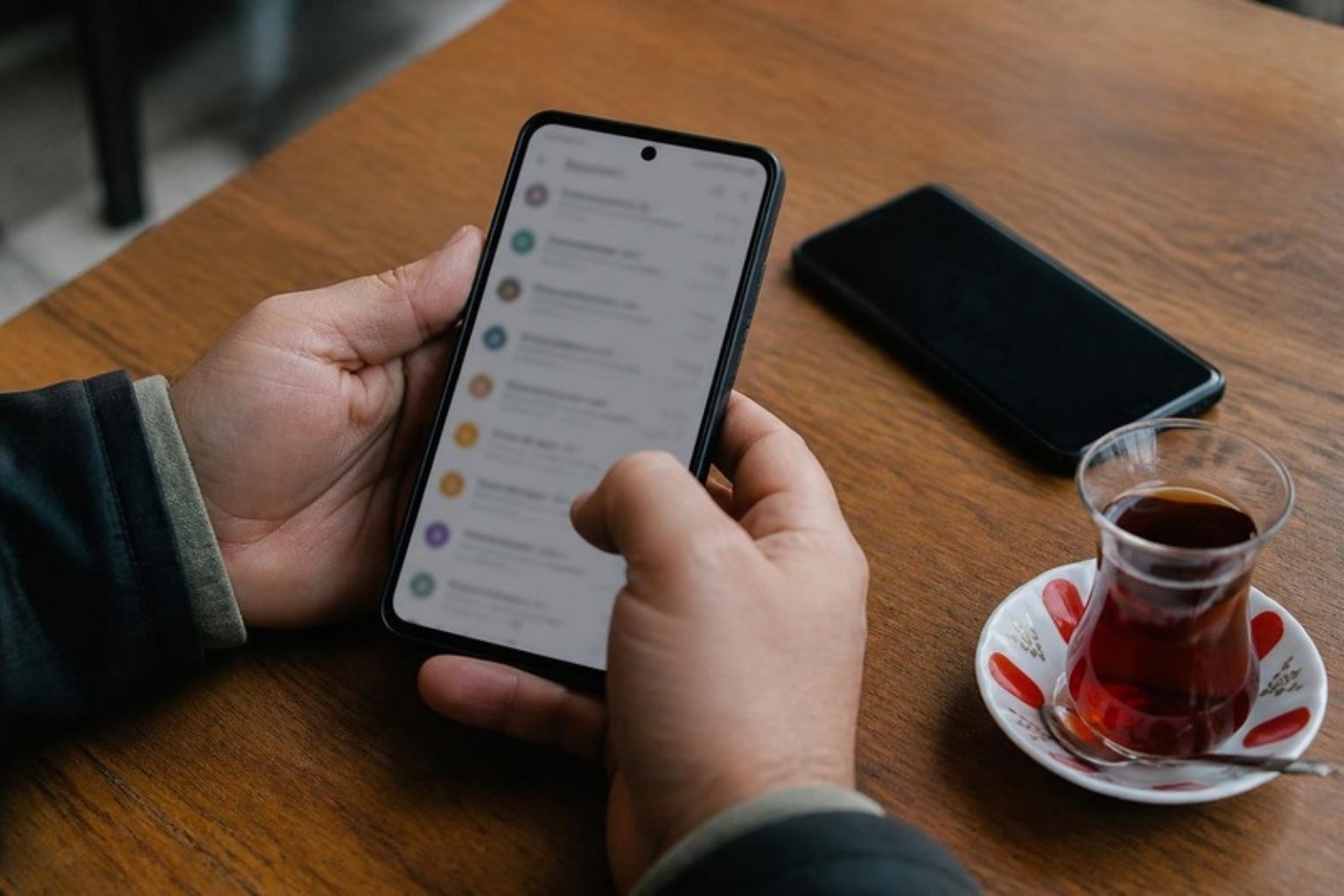
If the two-factor authentication code is not arriving
When two-factor authentication is on, Instagram asks for a second code even if you enter the right password. If that code does not arrive:
Use your backup codes
When you turn on two-factor authentication, Instagram gives you a list of backup codes. If the code is not arriving because of a connection or delivery problem, you can log in by entering one of these. Each backup code works only once. If you saved the list somewhere as a screenshot, a note or in a password manager, now is the time to use it.
If you still have a device where you are logged in, you can get new backup codes here: Settings → Accounts Center → Password and security → Two-factor authentication → your account → Additional methods → Backup codes.
Approve the login from another device
If your Instagram account is still open on another phone or tablet, a notification about the new login attempt may appear there. You can approve the login from that notification by confirming it was you.
If you use an authentication app
If you use an app such as Google Authenticator, the code does not come by SMS; it is generated in the app. If Instagram says the code is “invalid”, make sure your phone’s time is set automatically; if the clock is off by a few minutes, the codes will not match. If you changed phones and did not move the app over, you will need your backup codes.
If the password reset code or link is not arriving
- On the login screen, tap Forgot password?
- Enter your username, email address or phone number and submit.
- Instagram sends a login link or code to your email or phone. Follow the instructions on screen.
If you cannot reset your password this way and you suspect your account has been taken over, go to instagram.com/hacked on a computer or in your phone’s browser and follow the steps on screen. This page opens an identity verification path for accounts whose email or password has been changed.
If you no longer have access to the linked email or phone
This is the hardest case. According to Instagram’s own help pages:
- First try to regain access to that email account or phone number. Your email provider (Gmail, Outlook, Yandex) has its own account recovery steps; Instagram cannot help with that part.
- If your old number is registered in your name, you can ask your mobile carrier for a new SIM card with the same number.
- If you cannot access the email you signed up with and you never linked your Instagram account to your Facebook account, Instagram may not be able to give you access to the account.
- As soon as you get back in, update the email and phone on your profile to the details you use now.
If the code does not arrive when creating an account
- If you are signing up with email, try your phone; if you are signing up with your phone, try email.
- Temporary or disposable email addresses often do not work; use a permanent address.
- If an account was already created with the same email or number, no code will come for a new account; try getting into that account with “Forgot password?”.
- If you made many sign-up attempts in a short time, wait a few hours.
Watch out for scammers
People who are locked out of their accounts are frequent targets for scammers. Keep these in mind:
- Instagram will not message you in DMs asking for a code. Any message that says “your account will be closed, send us the code you received” is a scam.
- Never share an Instagram code sent to your phone with anyone; doing so means handing over the key to your account.
- Do not pay anyone who asks for money to “unlock your account”.
For businesses: how to avoid this happening again
- Turn on two-factor authentication with an authentication app and store the backup codes in the company’s password manager.
- Do not use an employee’s personal email for the account. Use a company address such as info@yourcompany.com.
- Keep the phone number up to date and change it on Instagram whenever the number changes.
- Link the account to your Facebook and Meta Business accounts and add more than one trusted admin. An account tied to a single person gets locked when that person cannot be reached.
Frequently asked questions
How long does it take for an Instagram code to arrive?
Normally it arrives within a few seconds to a few minutes. If more than 10 minutes have passed, check your spam folder and choose another delivery method; do not keep requesting new codes.
Instagram says “Code sent” but nothing arrives. Why?
The code is usually sent, but it either lands in spam or goes to an old number or email registered on the account. Try resetting your password with your username and check on screen which address the code was sent to.
The Instagram code is not arriving on WhatsApp. What should I do?
Make sure WhatsApp is up to date and active on the same number. If it still does not arrive, switch to the SMS or email option on the code screen.
Instagram SMS code not arriving on iPhone
If “Filter Unknown Senders” is on under Settings → Messages, check the “Unknown Senders” list in the Messages app. The code may have ended up there.
I have no backup codes and the two-factor authentication code is not arriving. What can I do?
If the account is open on another device, approve the login from there. If not, follow the help options on the login screen and the identity verification steps at instagram.com/hacked.
In summary
When the Instagram code does not arrive, first wait, check your spam folder and do not request the code over and over. Then try another delivery method; with two-factor authentication, backup codes are the fastest way out. If you have lost access to the email or phone linked to the account, you need to recover those first. As soon as you are back in, update your contact details and save your backup codes somewhere safe.
For other common Instagram problems, see our guides on the “action blocked” error, messages not showing and suspended accounts. For help with your business account, get in touch with us.
Official sources: Instagram Help Center, Use backup codes on Instagram, Lost access to the email or phone number on your account and Recover your Instagram password. Information checked on 19 October 2026.